
Everything you need to collect data
A complete form builder with the features that matter most.
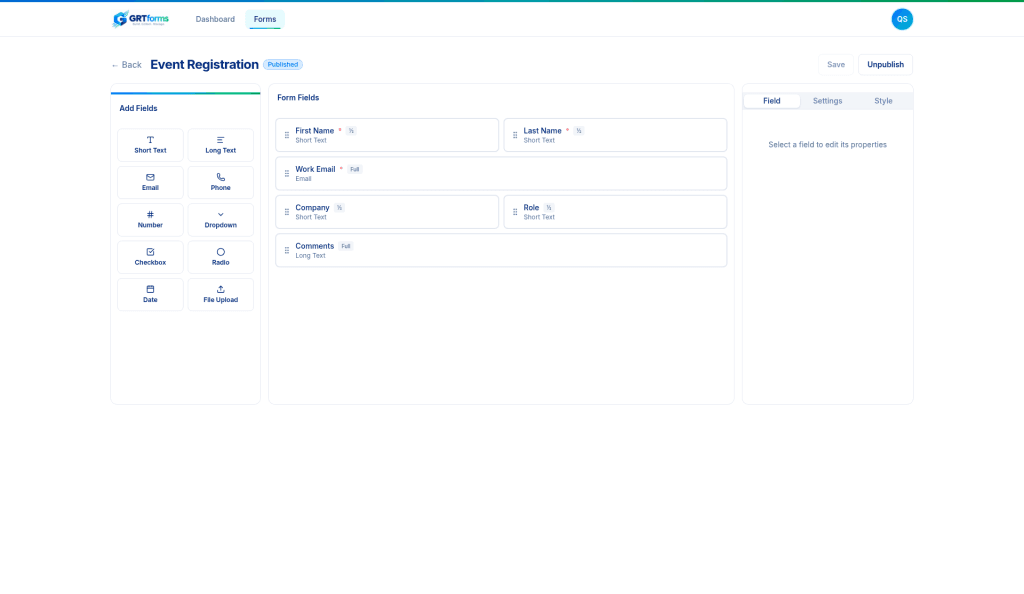
Visual Form Builder
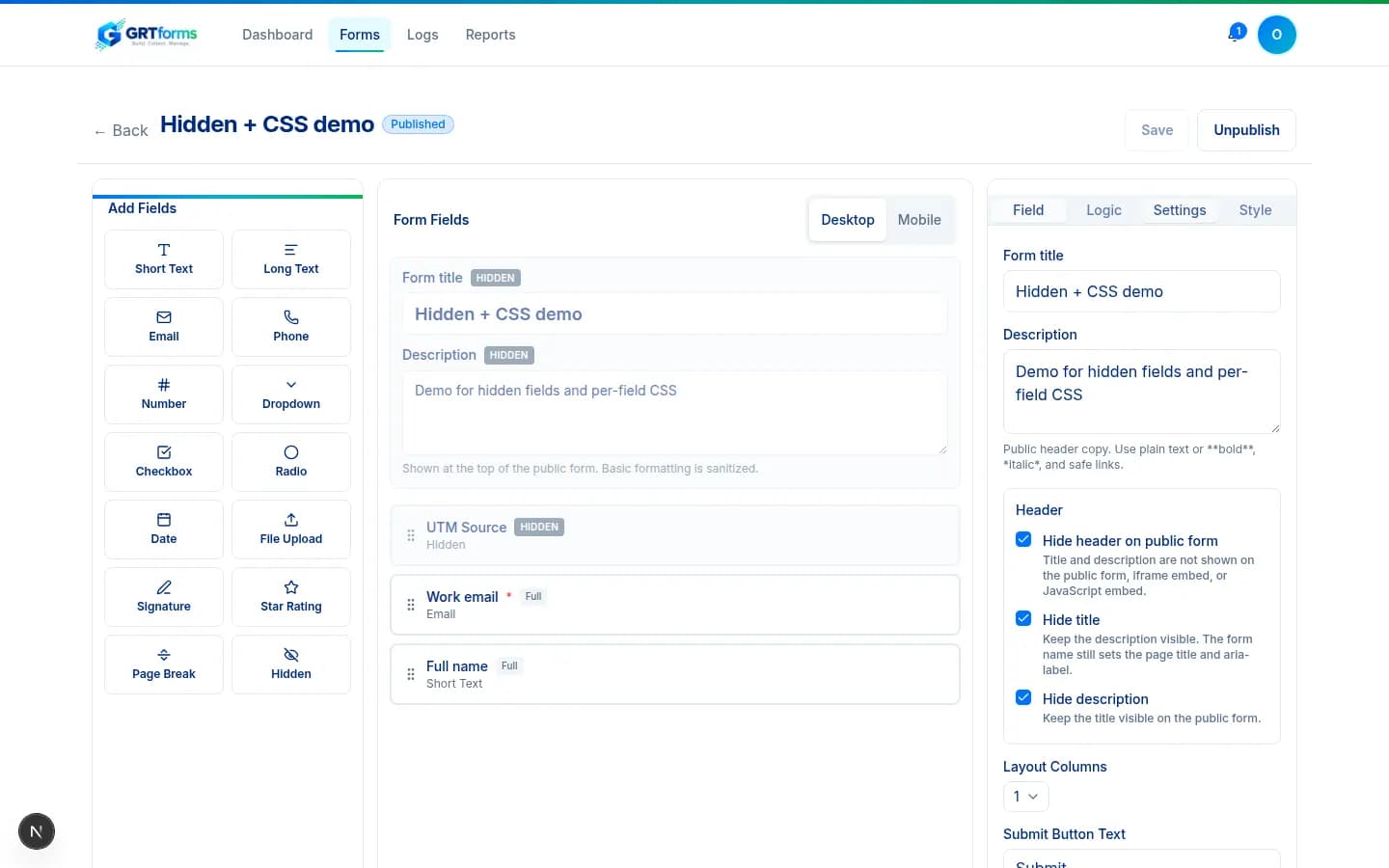
Drag fields onto an exact spot, reorder, arrange columns, and open Preview at desktop, tablet, or phone widths. No code required.
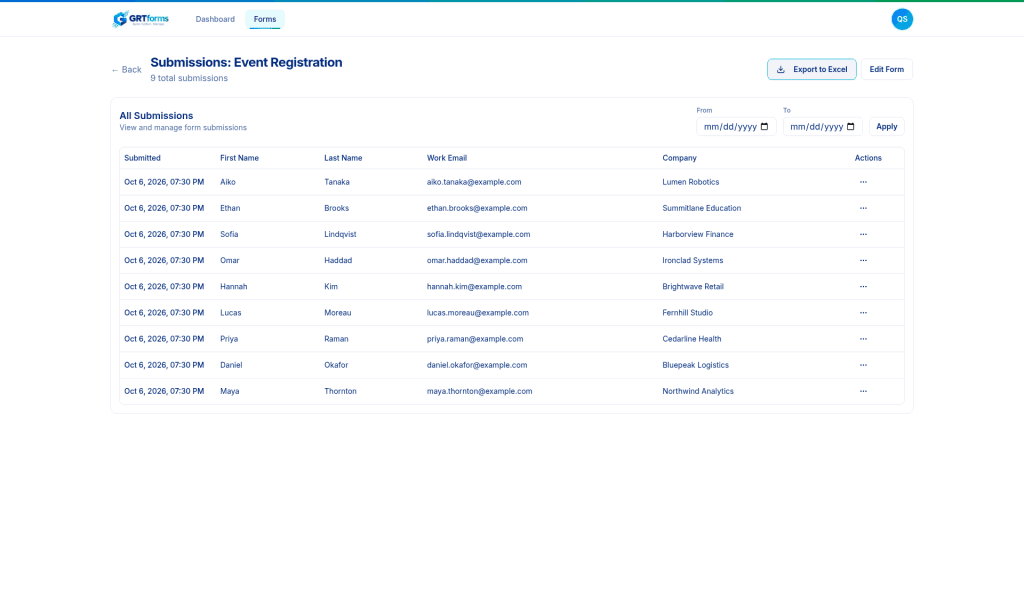
Submissions Dashboard
View, filter, and select rows. Export selected or filtered responses to Excel, CSV, or PDF. Exports are logged.
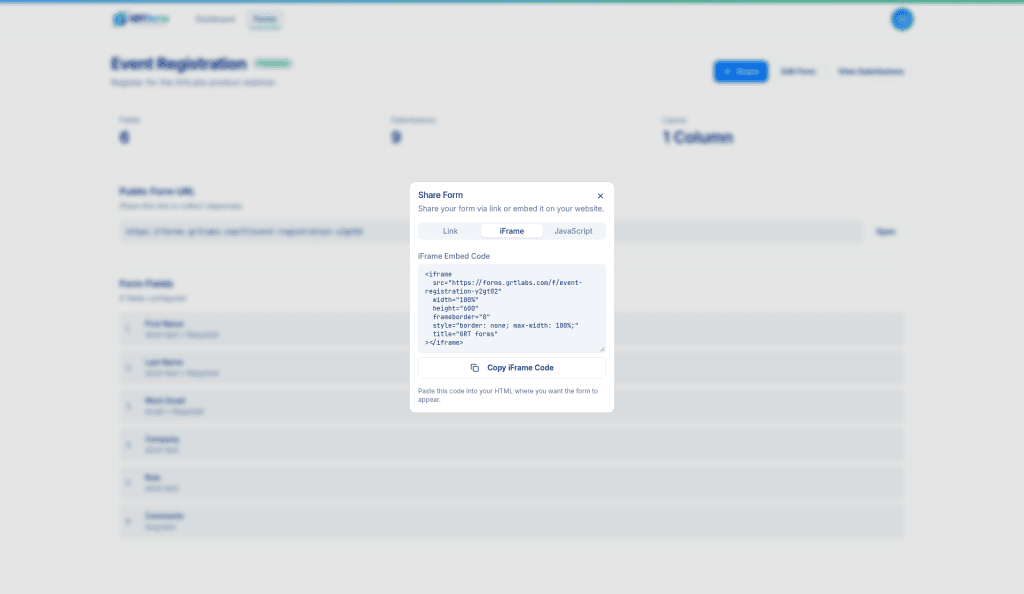
Flexible Sharing
Share forms via direct link, embed with an iframe, or use our JavaScript snippet for seamless website integration.
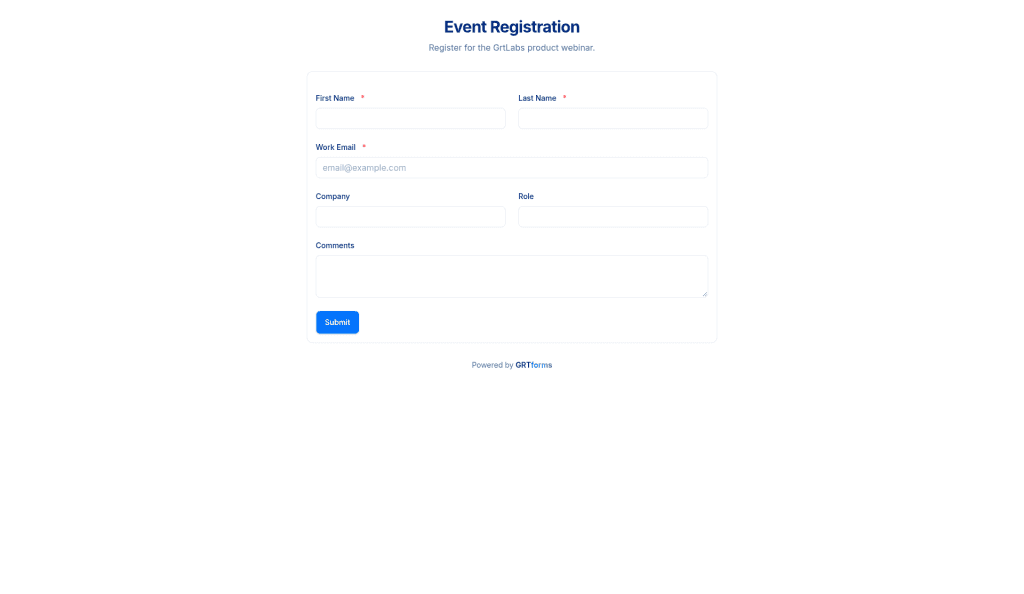
Smart Validation & File Uploads
Built-in validation for email, phone, and required fields. File uploads with type and size limits.
Recently shipped
Hidden fields, selected exports, abuse protection, and Turnstile CAPTCHA — plus logic, calculations, multi-step, signatures, PDF, Ask AI, Preview, and guest /try. Live on forms.grtlabs.com.
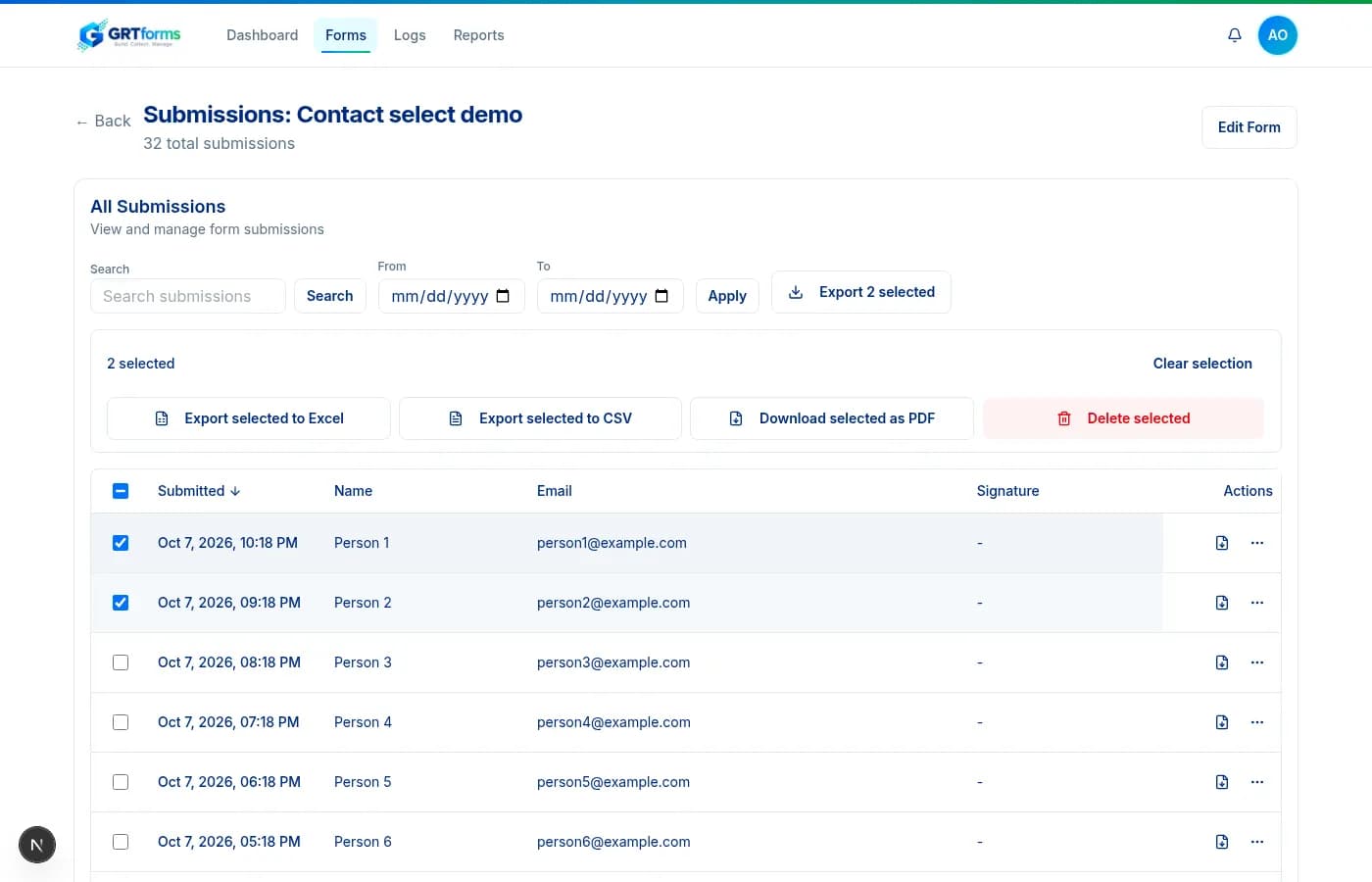
Select submissions to export or delete
Check rows, select the page, or select every match — the selection stays as you page. Export only those rows to Excel, CSV, or PDF, or delete them after a confirm. With nothing selected, export follows your current filters. Exports are logged.
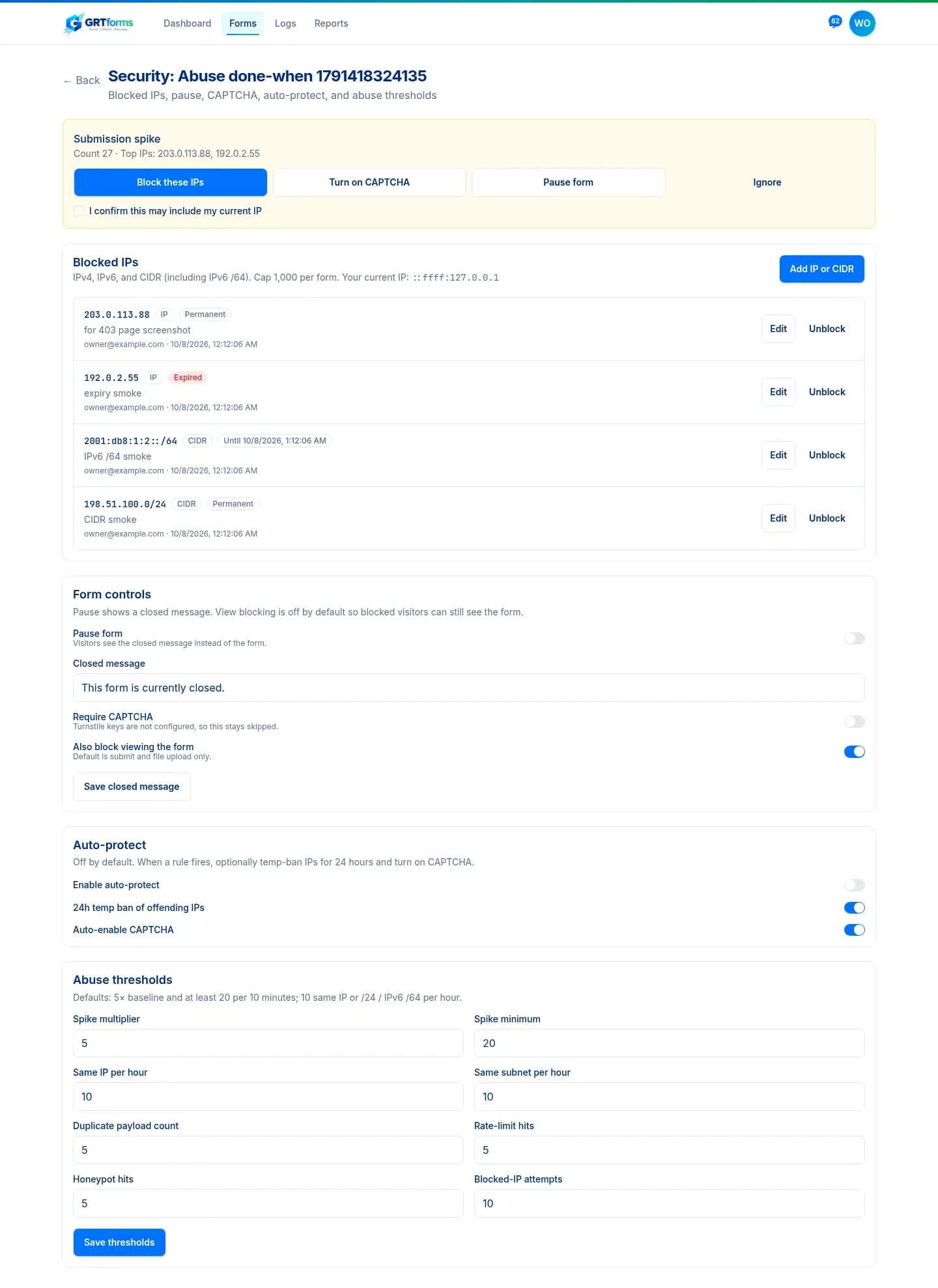
IP blocks and abuse alerts
Block IPv4, IPv6, or CIDR ranges (including IPv6 /64) per form or across your account. Abuse detection watches spikes, repeat IPs, duplicate payloads, and honeypot hits, then sends one alert and a 30-minute digest with actions to block, turn on CAPTCHA, pause, or ignore.
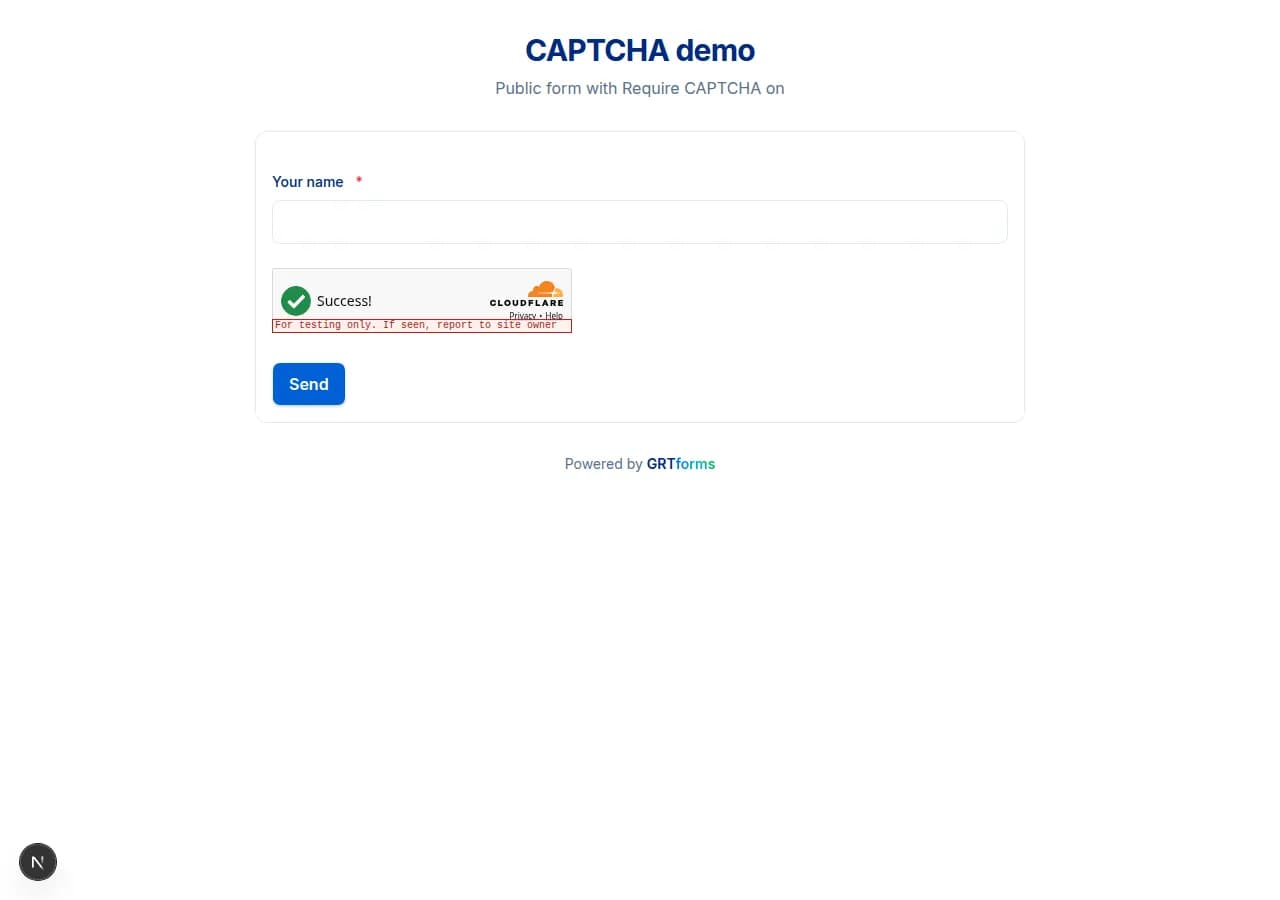
Cloudflare Turnstile CAPTCHA
Turnstile on sign-up, sign-in, and public forms. Require it on any form. Verification runs on the server, shows a clear error instead of hanging, and resets so people can try again.
- Access controlsPause a form, cap how many real entries it accepts, schedule open and close times, or require a password. Visitors see a closed or unlock page; submit is blocked on the server.
- LogicShow or hide fields, skip pages, and choose confirmation copy from answers. Rules stay attached to field ids when you reorder.
- CalculationsRead-only totals, scores, and quotes from formulas such as {quantity} * {unit_price}. The server recomputes the value on submit.
- Multi-stepInsert a page break to split a form into steps. Respondents move Next / Back. Preview and logic skip still work across pages.
- SignaturesDrawn or typed signatures with an audit trail owners can export. This is not legal advice.
- PDF exportExport selected or filtered submissions as PDF, or download one branded PDF per entry. Included on Free.
- File uploadsFile uploads with type and size limits on hosted forms.
- Ask AIChat-edit an existing form. The model returns a structured patch you can Apply, Discard, or Undo. Submissions are never sent to the AI.
- PreviewWalk through the respondent form, including unsaved drafts, without publishing or storing a submission.
- Drag and dropDrag a field type onto an exact spot, drop beside a half-width field to pair half | half, reorder with a handle or keyboard, and undo without breaking logic.
- Try without signupGenerate and refine a form at /try without an account. The draft stays in this browser until you sign up to save it.
Also included: Conditional logic • Calculations • Multi-step • Signatures • PDF export • File uploads • Ask AI • Builder Preview • Drag-and-drop • Guest /try • Email sign-in link • To / CC / BCC notifications • REST API • 10+ field types • Mobile-responsive forms
Start with a template
Get up and running quickly with ready-to-use form templates.