Select submissions to export or delete
Pick the rows you need, keep that selection as you page, and export or delete only those submissions.
Select rows
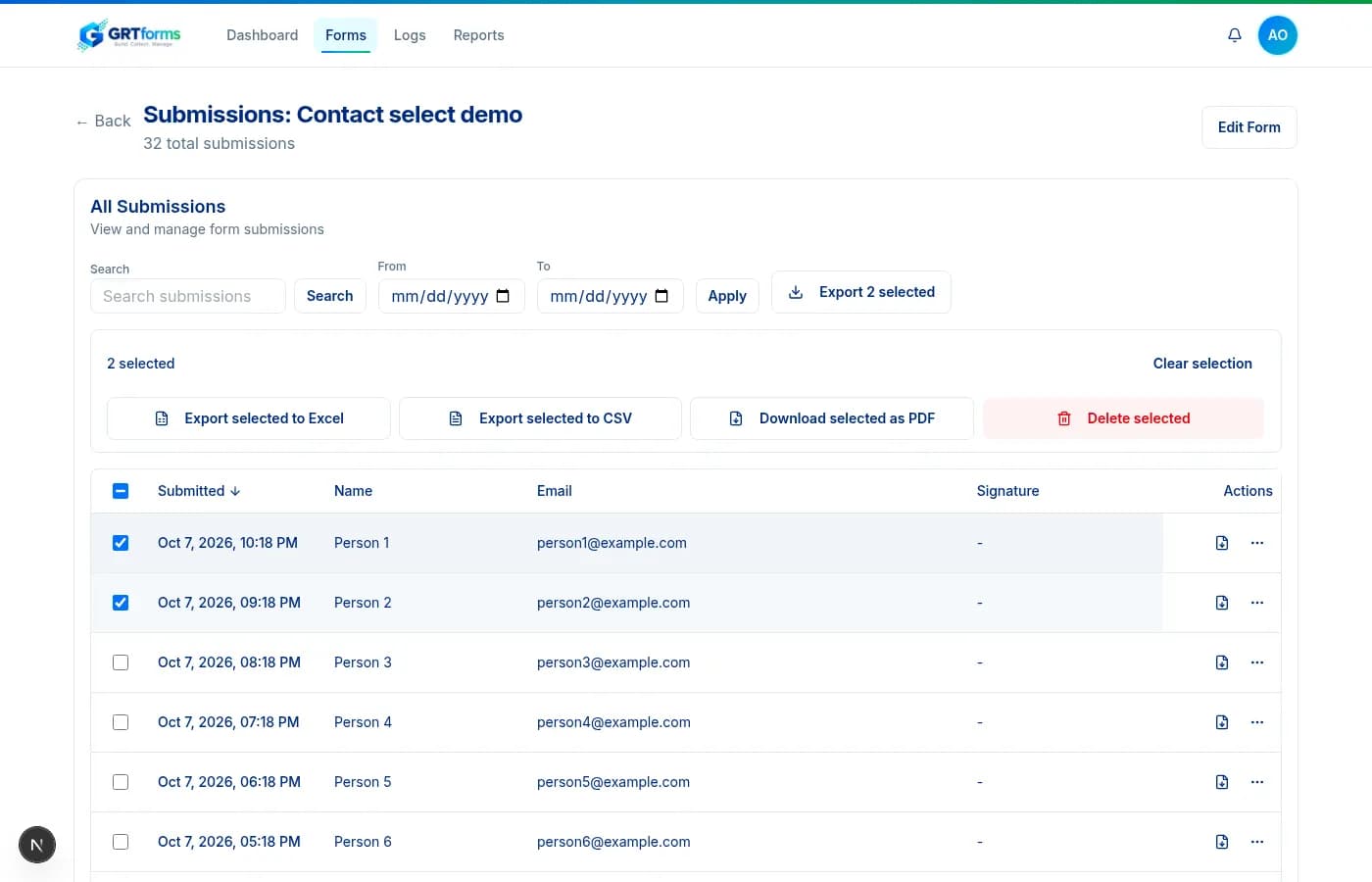
- Use the checkbox on each row, or the header checkbox to select every row on the current page.
- After the page is selected, choose Select all matching submissions to include every row that matches the current search and filters — not just this page.
- The selection is kept as you move between pages. Changing filters clears it so you do not export a stale mix.
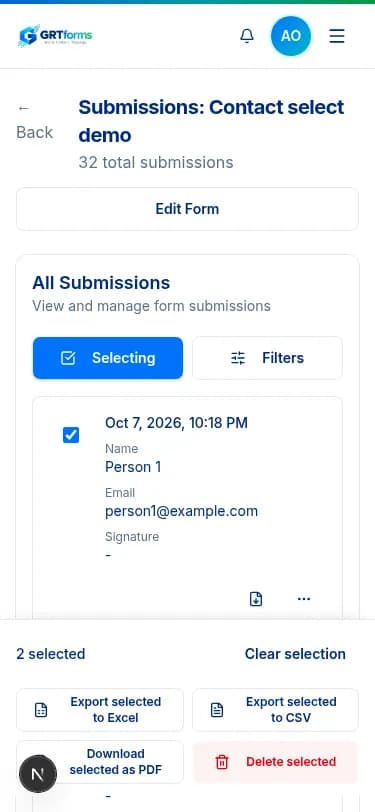
- On a phone, tap Select to enter select mode, or long-press a card to start selecting.
- Shift-click selects a range on desktop.
Export and delete
With rows selected, export those rows to Excel, CSV, or PDF, or delete them after a confirm. You can also block the selected submitter IPs from the same bar.
With nothing selected, Export to Excel still works: it exports every submission that matches the current filters (search, dates, and Suspicious).
Every export is written to Activity logs as Submissions exported, including the count, format, and whether you exported a selection or the filtered set.