Cloudflare Turnstile CAPTCHA
Stop automated sign-in and form spam with Cloudflare Turnstile. The widget is verified on the server and never leaves people staring at a hung Sign in button.
Where it appears
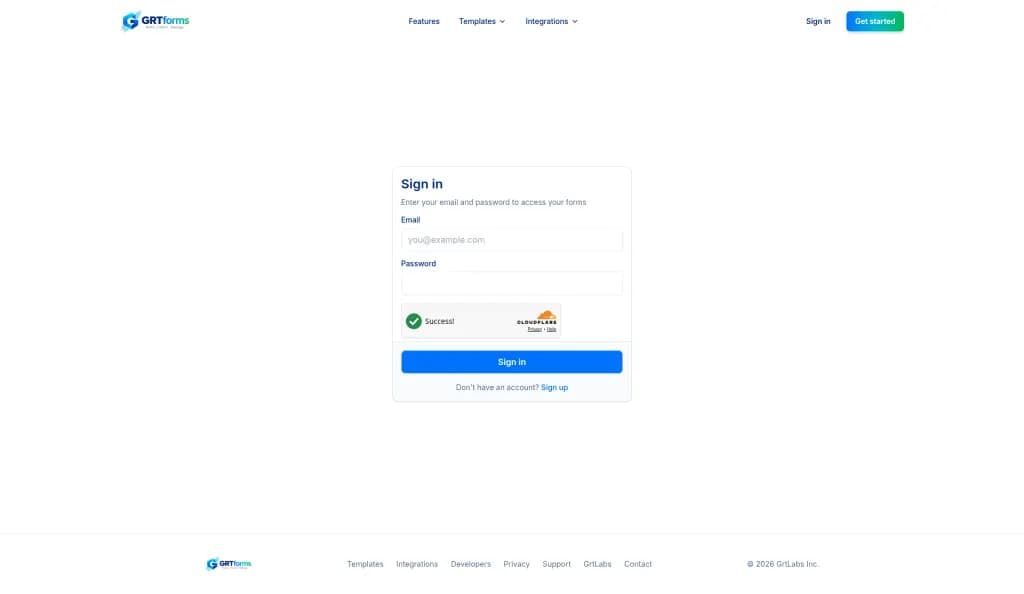
- Sign-up, password sign-in, and email sign-in requests.
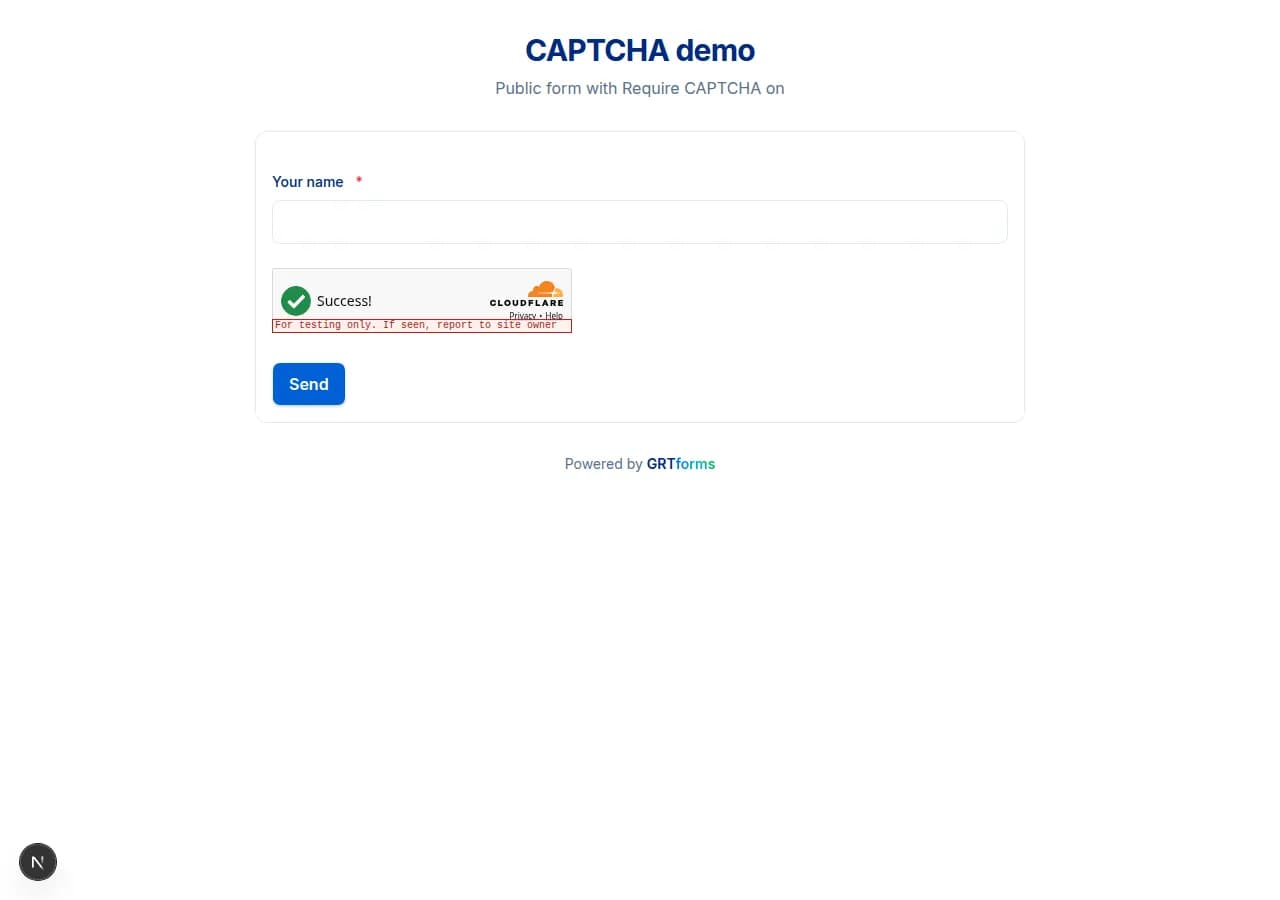
- Public form submit — only when that form's Require CAPTCHA toggle is on (Form settings or the Security page).
Tokens are single-use. After a failed submit or a non-navigating error, the widget resets so the visitor can try again. If the challenge cannot load or times out, GRTforms shows a clear error instead of hanging on Sign in or Submit.
For form owners
- Open the form builder Settings tab or the form Security page.
- Turn on Require CAPTCHA.
- Publish the form. Respondents see Turnstile above the submit button.
An abuse alert can also offer Turn on CAPTCHA, and auto-protect (off by default) can enable it automatically.