Hidden fields and per-field CSS
Collect values respondents never see, style individual fields, and hide the public header when you want a quieter form.
Hidden fields
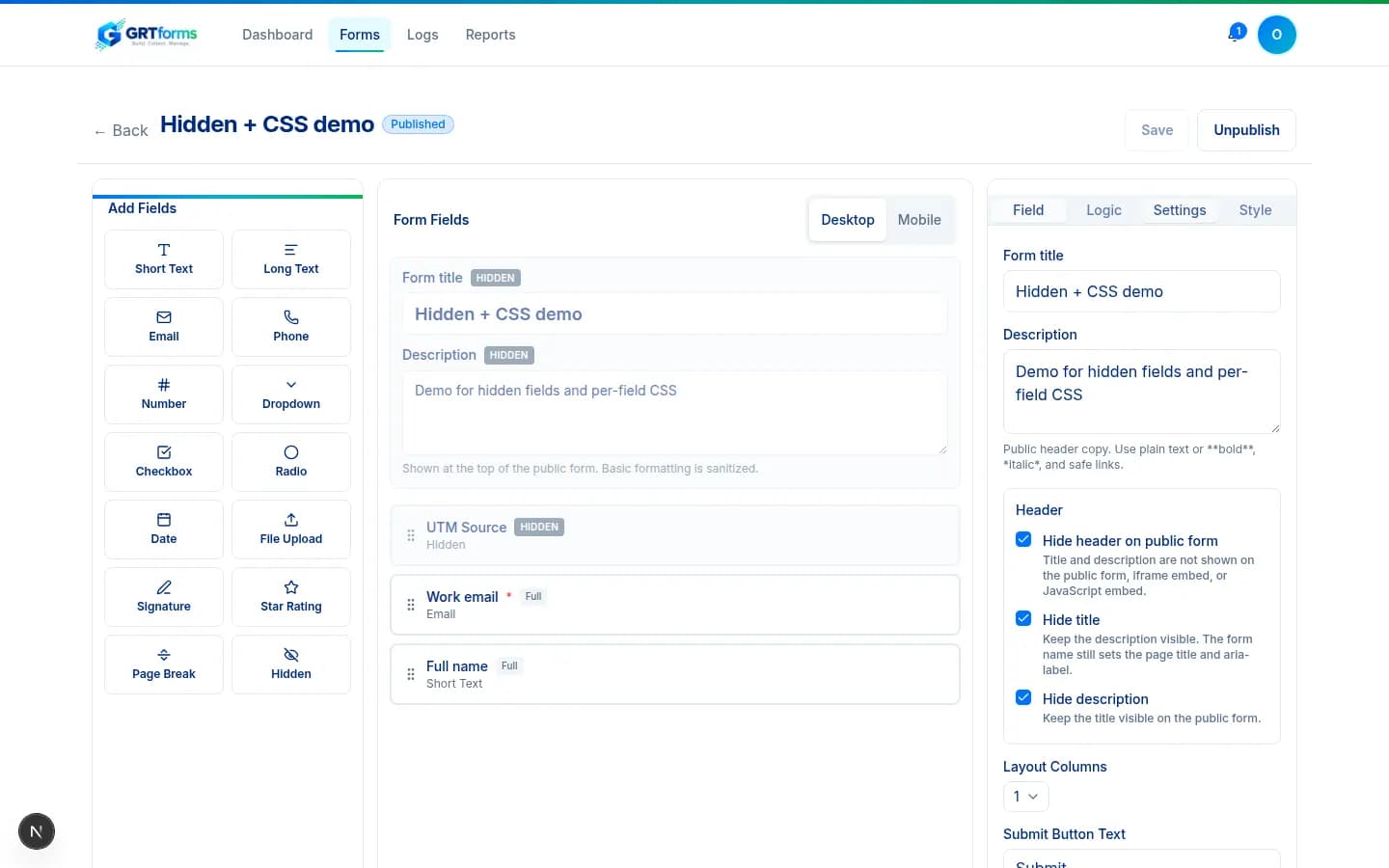
The builder palette includes a Hidden field type. Use it for UTM parameters, referrers, or campaign keys. Presets include utm_source, utm_medium, utm_campaign, utm_term, utm_content, ref, and campaign.
A matching URL query value wins over the field's default. The value is stored with the submission even if the respondent never visits that step, unless logic hides a Hidden type field.
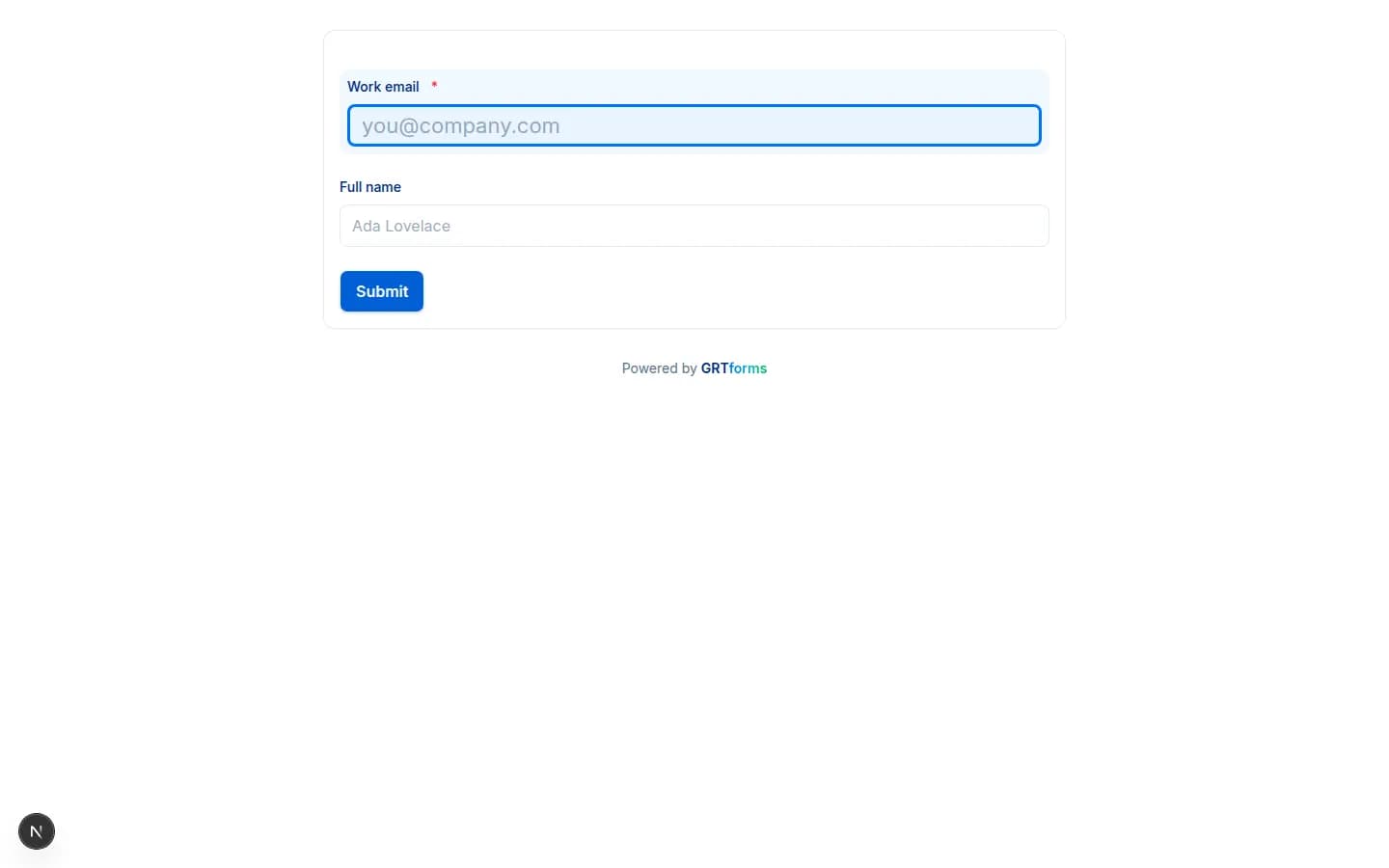
Any other field can also be marked Hidden from respondents. That toggle is a hard off switch: the field is not painted on the public form, required validation is skipped, and a Logic “show” rule cannot override it. Conditional logic can still read the default value.
Custom CSS ID and class
Each field wrapper already has grt-field and a type class such as grt-field--email. In Advanced settings you can add your own CSS ID and up to 10 classes. Owner IDs render as id="f-your-id" so they cannot collide with app element IDs. Target them from the form's Custom CSS box.
Hide the public header
On the builder Settings tab, Header controls let you hide the whole header, only the title, or only the description. Hide header is a master switch: title and description are not shown on the public form, iframe embed, or JavaScript embed. The form name still sets the page title and aria-label.